 QuraMate Docs
Start From Connection Launcher
Use the connection launcher to keep environment context explicit before creating tabs.
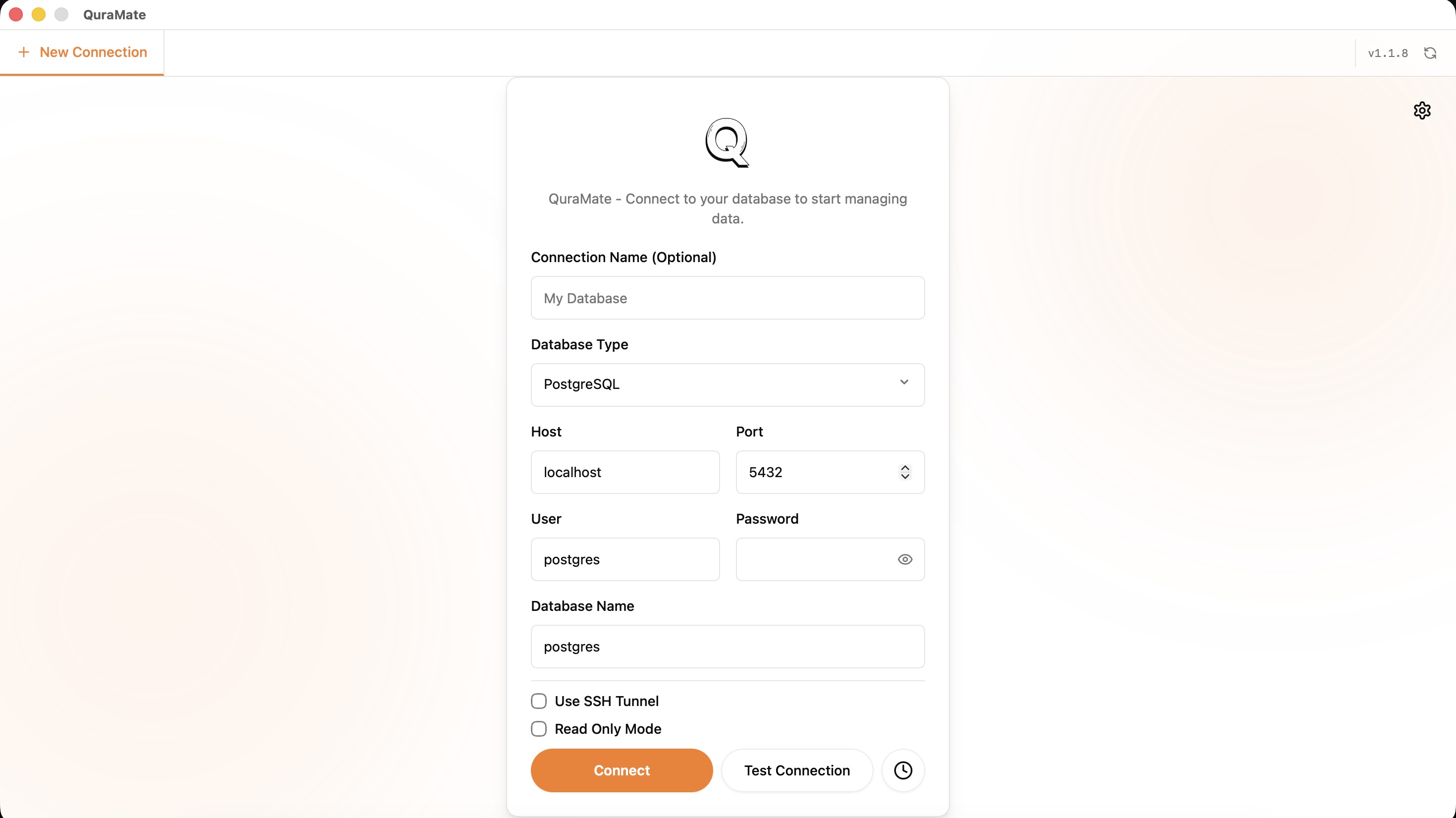
Use DBConfig-Aligned Inputs
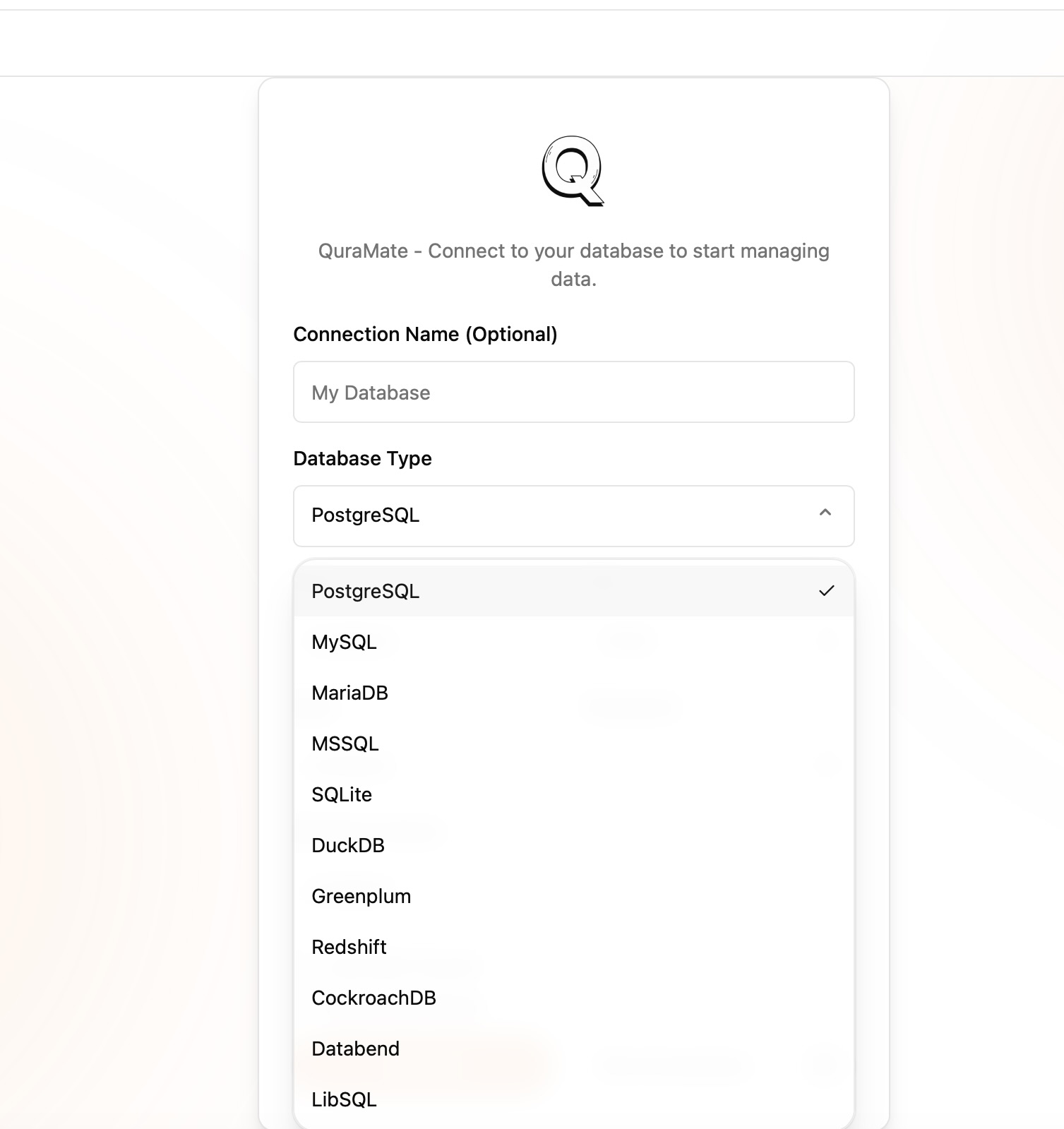
QuraMate connection flow is built around DBConfig fields:
type,host,port,user,password,databasereadOnlyfor safe first accesstrustServerCertificatefor certificate handling pathssshEnabled+ SSH fields when tunneling is required
For local engines (sqlite, duckdb, libsql), host/port usage differs from server engines.
Connection Hygiene
Use a consistent naming convention like prod-readonly, staging-app, and local-dev. This reduces write mistakes when switching quickly between tabs.
If SSH is required, test tunnel access with read-only before introducing write workflows.