 QuraMate Docs
Start From The Connection Launcher
Open the first connection screen and prepare values before clicking connect.
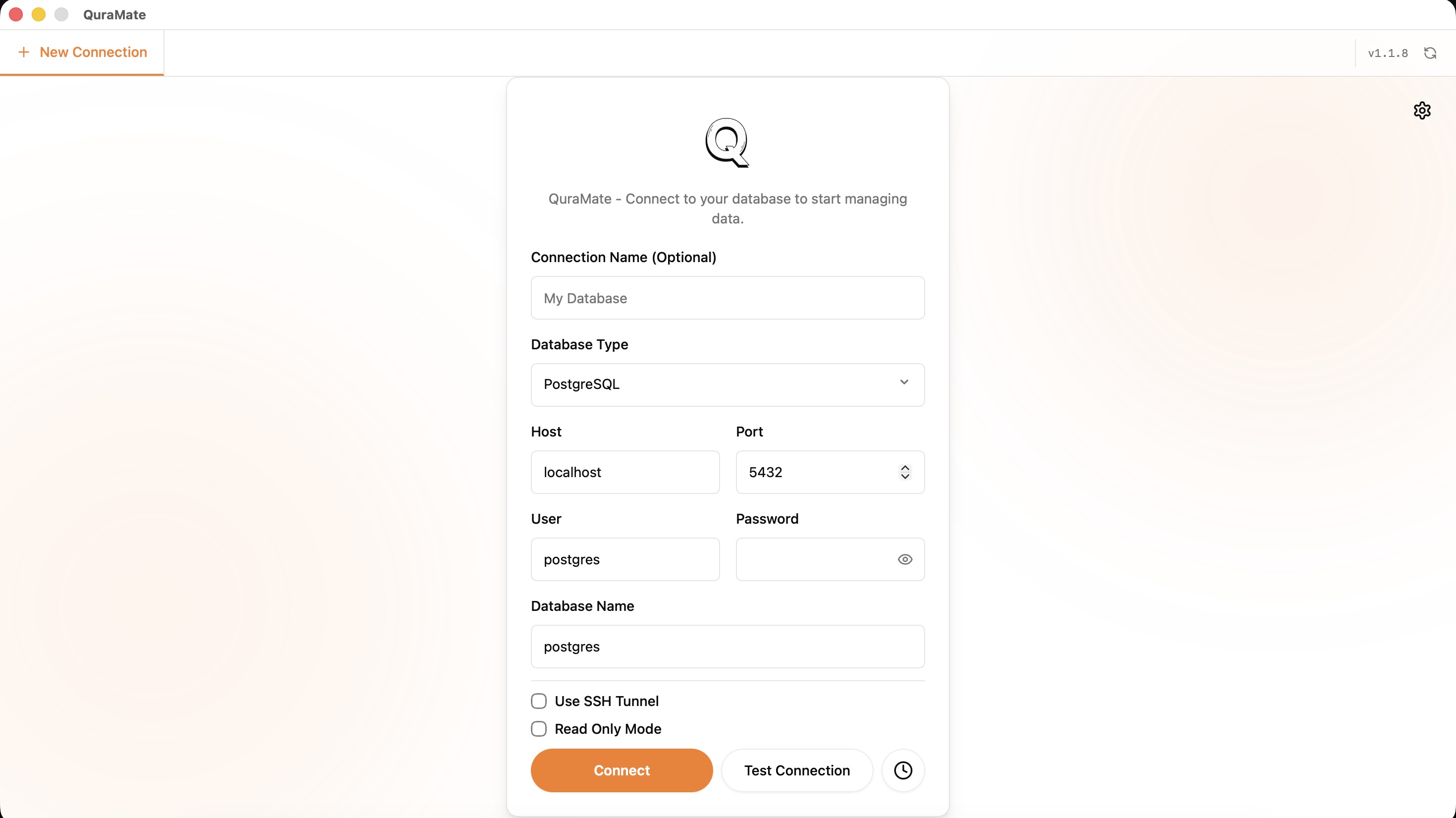
If the target is sensitive, create a read-only user first instead of connecting with broad privileges.
Match The DBConfig Fields
QuraMate backend expects connection values in DBConfig. Fill your form with this mapping:
type-> database engine (postgres,mysql,sqlite,sqlserver, etc.)host-> database host (or local endpoint)port-> service portuser-> login userpassword-> login passworddatabase-> target database name or file target labelreadOnly-> safer first run for production-like systemstrustServerCertificate-> TLS trust behavior (important for SQL Server/cert flows)sshEnabled-> enable SSH tunnel when direct DB access is blockedsshHost,sshPort,sshUser,sshPassword,sshKeyFile-> SSH tunnel credentials
For local databases (sqlite, duckdb, libsql), host/port patterns may differ from server engines. Set only what your engine requires.
Name Environments Clearly
Use names like prod-readonly, staging-app, and local-dev so tabs remain easy to distinguish under pressure.
Color or environment labels are useful only when the naming convention is already consistent.
Test Safely Before Any Write
After saving the connection, run a tiny SELECT with LIMIT to confirm credentials, schema, and latency before doing any broader exploration.
SELECT *
FROM your_table
LIMIT 20;
Continue with Your First Query once the connection is stable.