 QuraMate Docs
Open SQL Workspace First
Start in the query workspace with the correct active connection and database context.
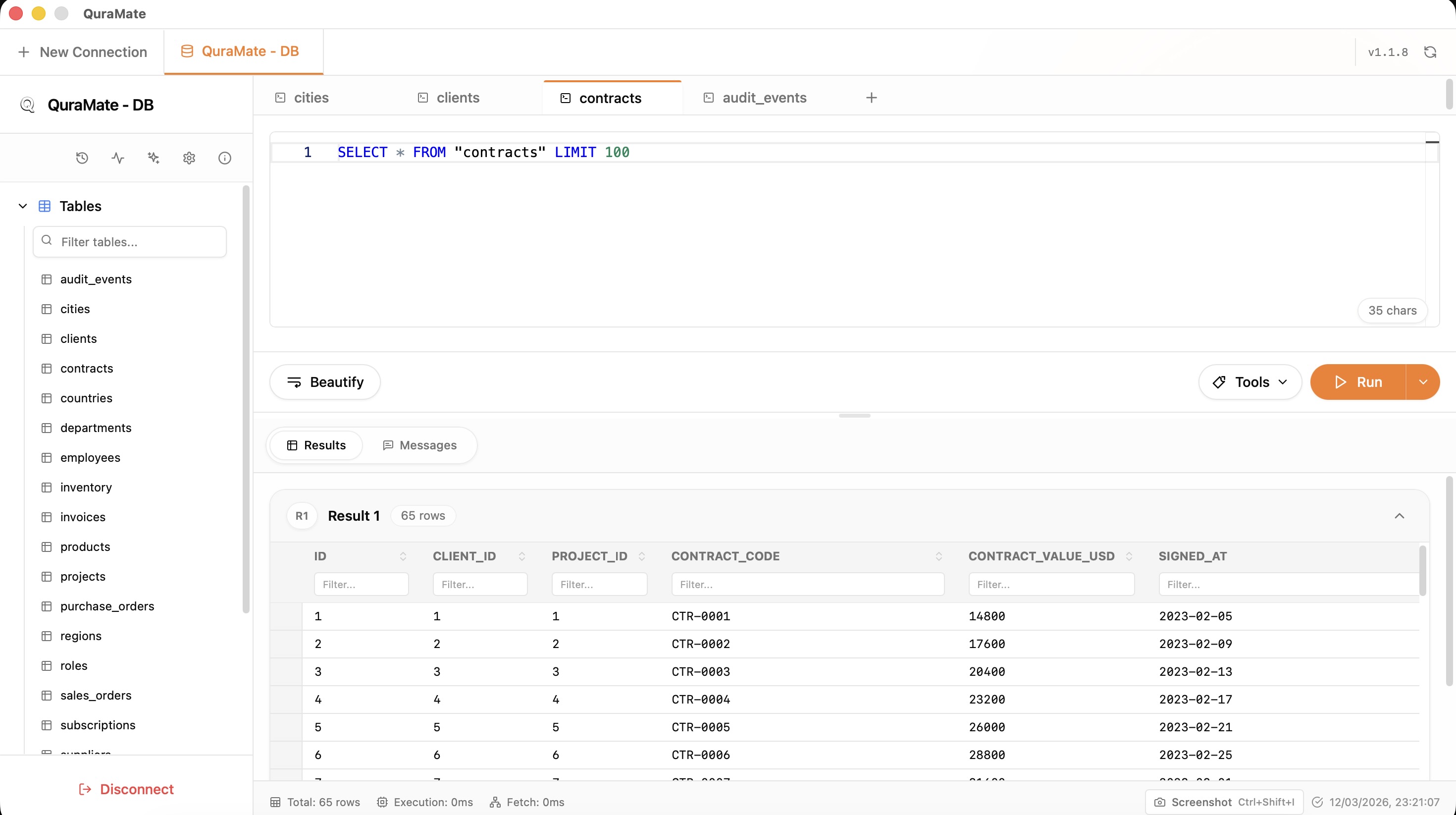
Use Selection Execution For Safer Iteration
QuraMate execution flow supports running selected SQL first, then full statement execution when ready.
Recommended rhythm:
- run a small selected statement
- review
data/messagesresult views - run the full query only after context checks pass
Format And Readability
Use SQL formatting before final run to reduce visual mistakes in long joins and nested queries.
The workspace also tracks query execution state per tab (queryExecuted) and keeps result view context (data, messages, analysis) for quick triage.
Streamed Result Behavior
Backend execution is streamed in batches for larger results, so first rows can appear before full completion.
Use this to validate early signals fast:
- column shape and types
- initial row quality
- warnings or messages
Safety Baseline Query
SELECT *
FROM your_table
LIMIT 25;
Continue with Result Grid Editing once your first result set is stable.