 QuraMate Docs
Treat Grid Editing As SQL With Better Ergonomics
Inline editing is convenient, but backend updates still map to explicit update conditions (row identity + changed columns).
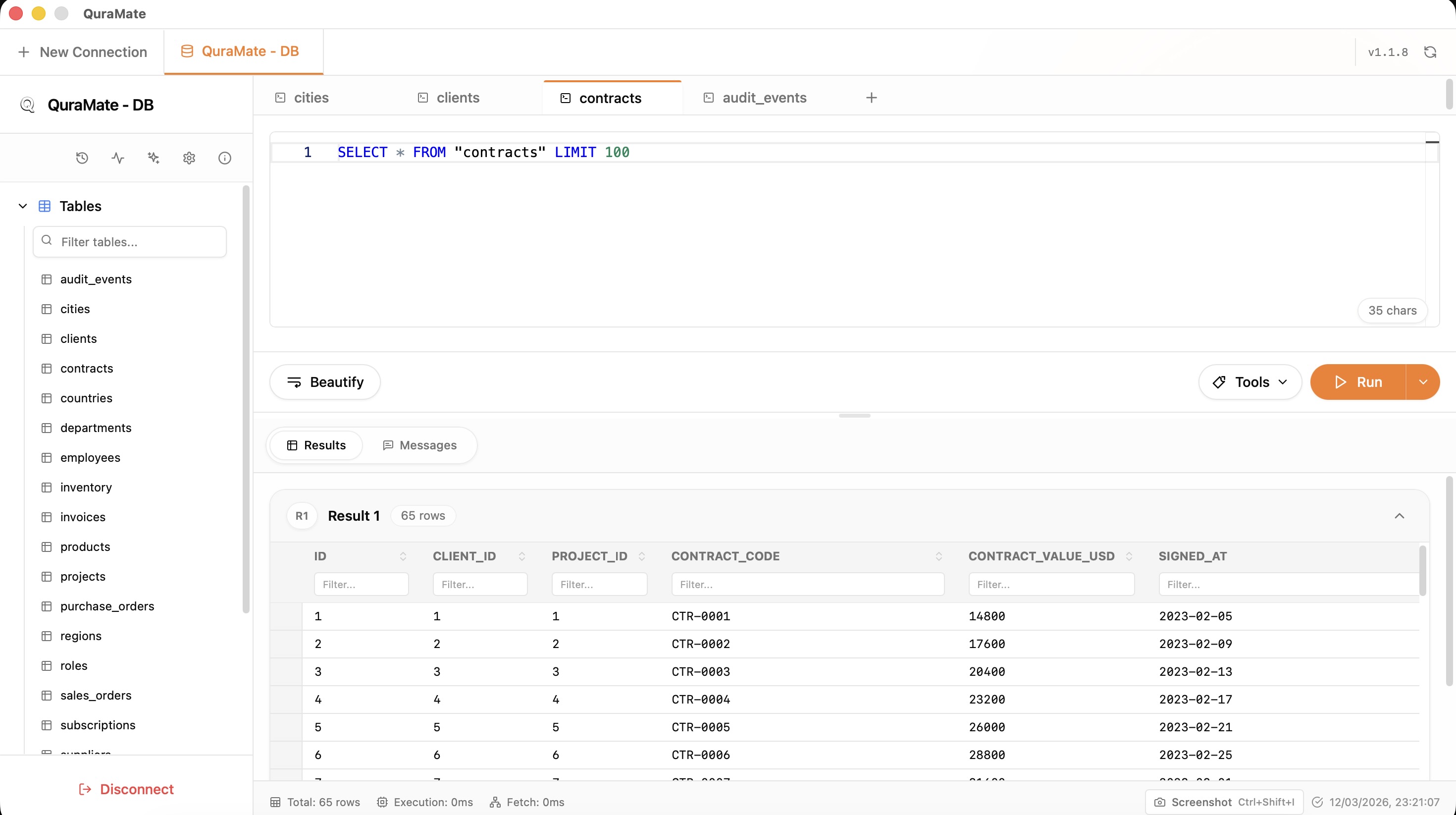
Scope Edits Tightly
Work against a filtered result set whenever possible. Avoid editing from broad or ambiguous query results.
If no stable key context is visible, re-query with narrower filters first.
Edit Flow In QuraMate
QuraMate grid editing keeps per-cell edit state, then applies updates through dedicated update operations.
Safe flow:
- click into one row/cell and edit deliberately
- verify the selected row and target column
- save update and re-check affected row values
Bulk Inserts And Controlled Changes
When adding multiple rows, QuraMate uses batch insert operations. Keep payloads small and validate with a read query after insert.
SELECT *
FROM your_table
WHERE id IN (...new_ids...)
LIMIT 50;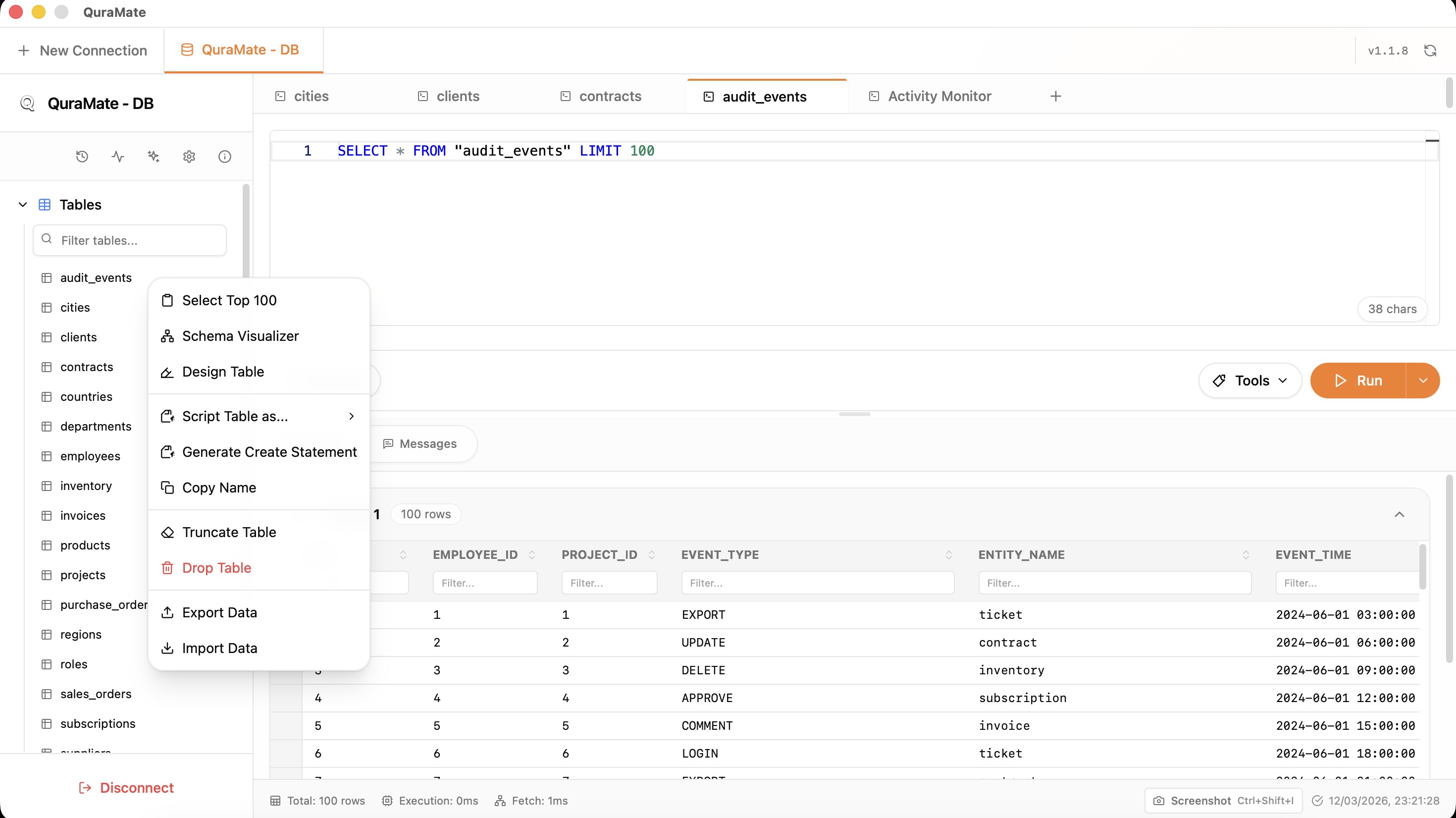
For incident-safe workflows, continue with Transactions & Safe Edits.