 QuraMate Docs
Validate Tunnel Inputs First
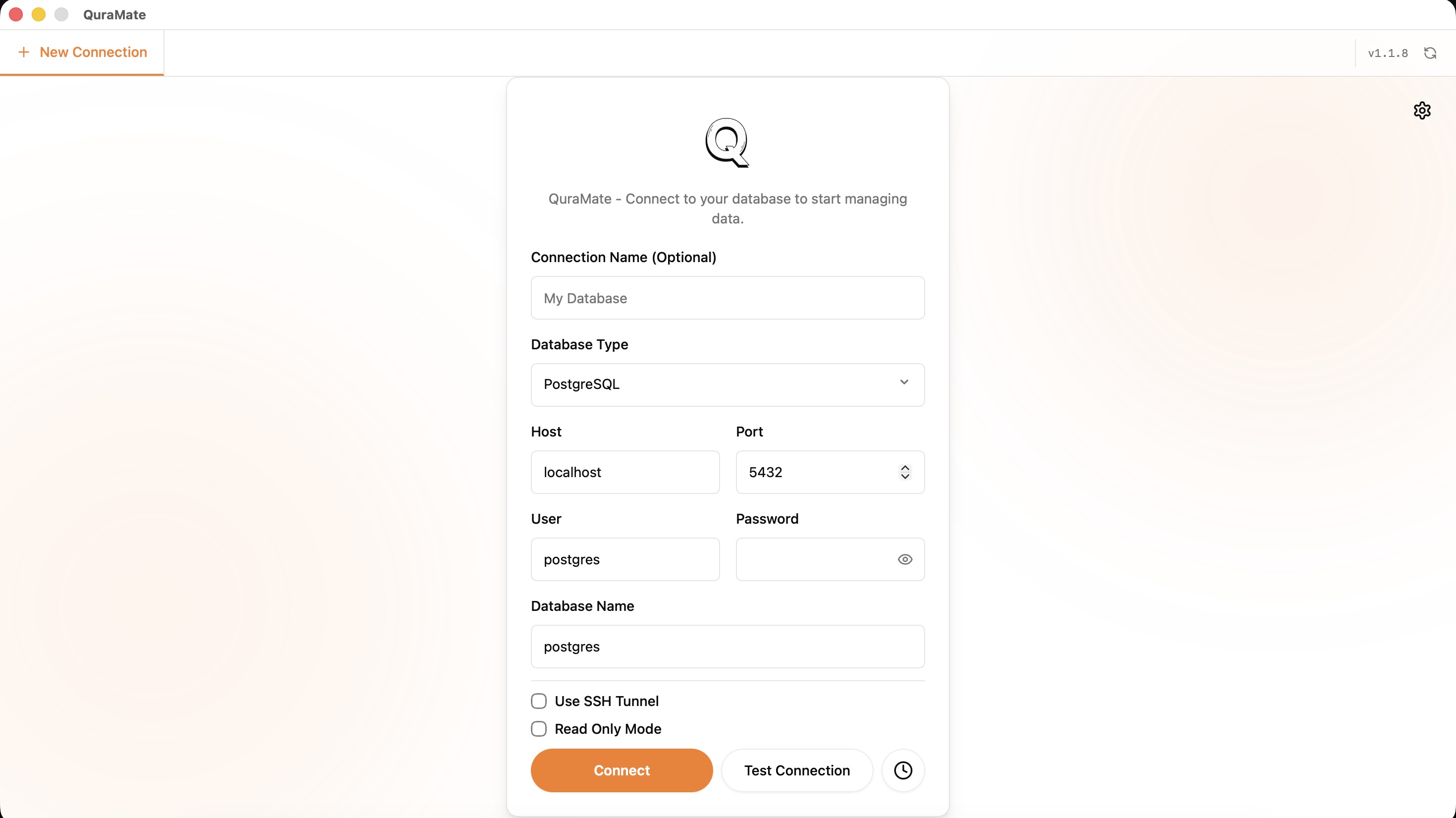
When sshEnabled is on, verify these fields before testing:
sshHost,sshPortsshUser- one auth path (
sshPasswordorsshKeyFile)
Use read-only DB credentials while validating tunnel behavior.
Trust Host Keys Explicitly
QuraMate SSH flow verifies host keys and checks known hosts entries. If host key is untrusted or changed, treat it as a security checkpoint, not a retry loop.
Expected trust flow:
- fetch host key info (host, port, key type, fingerprint)
- compare against expected/pinned fingerprint
- trust only after explicit operator decision
If key mismatch appears, stop and verify rotation reason before continuing.
Keep Credentials Disciplined
Use dedicated SSH credentials per environment. Avoid sharing a single jump-host user across unrelated teams or risk levels.
After a successful tunnel test, move to Connections and then Session Recovery to verify restart behavior.