 QuraMate Docs
What QuraMate Restores
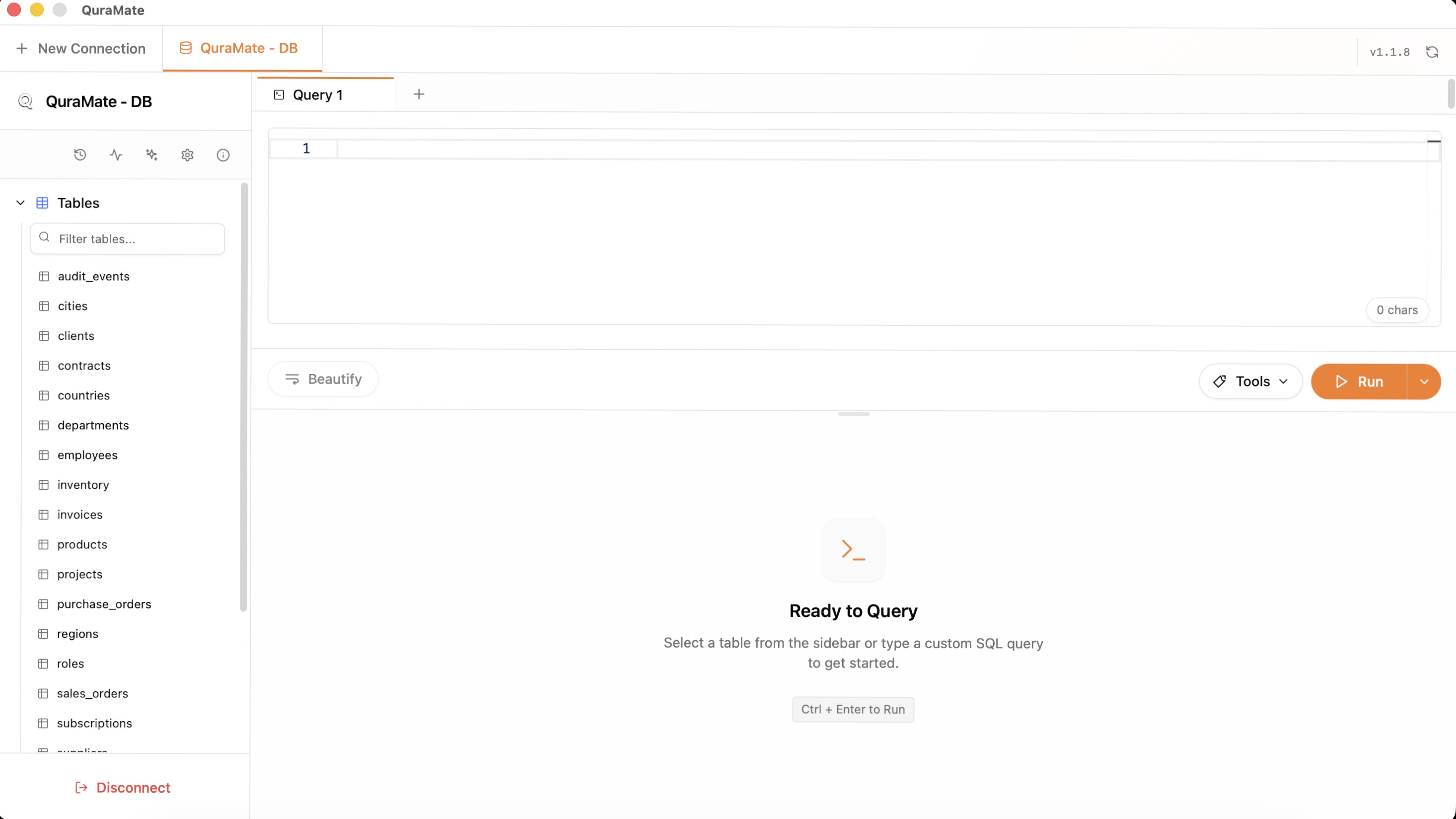
QuraMate dashboard session restore focuses on tab workspace continuity:
- tab list and active tab
- query tab naming and ordering
- editor height and selected result view tab
- non-sensitive workspace metadata needed to resume
High-risk or non-restorable view types should not be assumed as safely resumable without re-validation.
Restore With Intent
Session recovery is useful when you need continuity, but it should not blindly reopen every risky workflow.
Review which connections should come back after restart and which should remain manual.
Reconfirm Context
After recovery, verify environment labels and active tabs before resuming edits. A restored state should not bypass situational awareness.
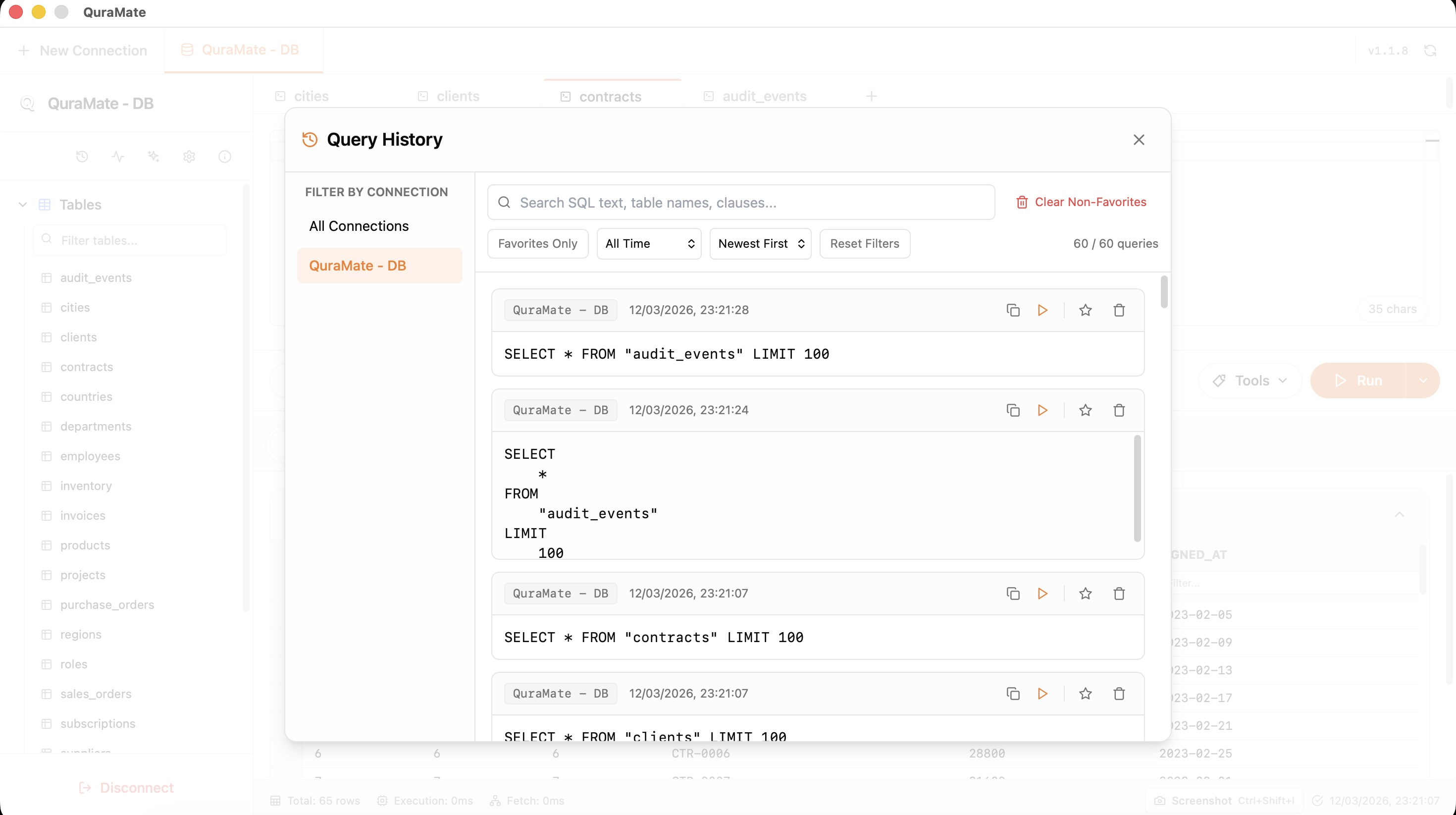
Use Recovery To Resume Investigation
Recovery is especially useful during ongoing incident analysis, long-running schema review, or staged import/export validation.