 QuraMate Docs
Open SQL Editor From Workspace
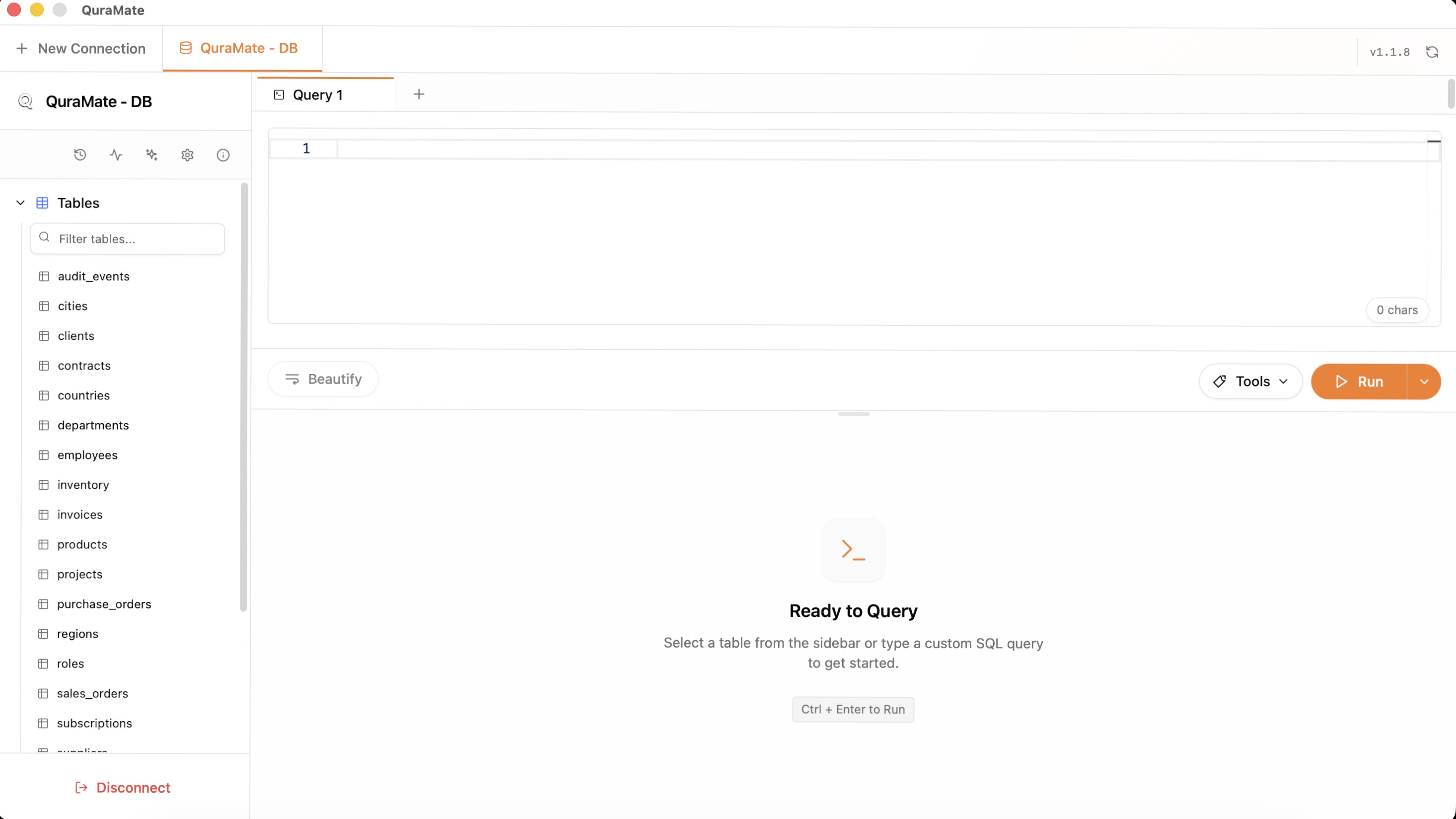
Start from the connected workspace, then open the query editor tab. This mirrors how QuraMate query tabs track execution state and results in the dashboard flow.
Start With A Safe Read Query
Your first query should confirm table shape, row counts, and column names without scanning more data than needed.
SELECT *
FROM your_table
LIMIT 25;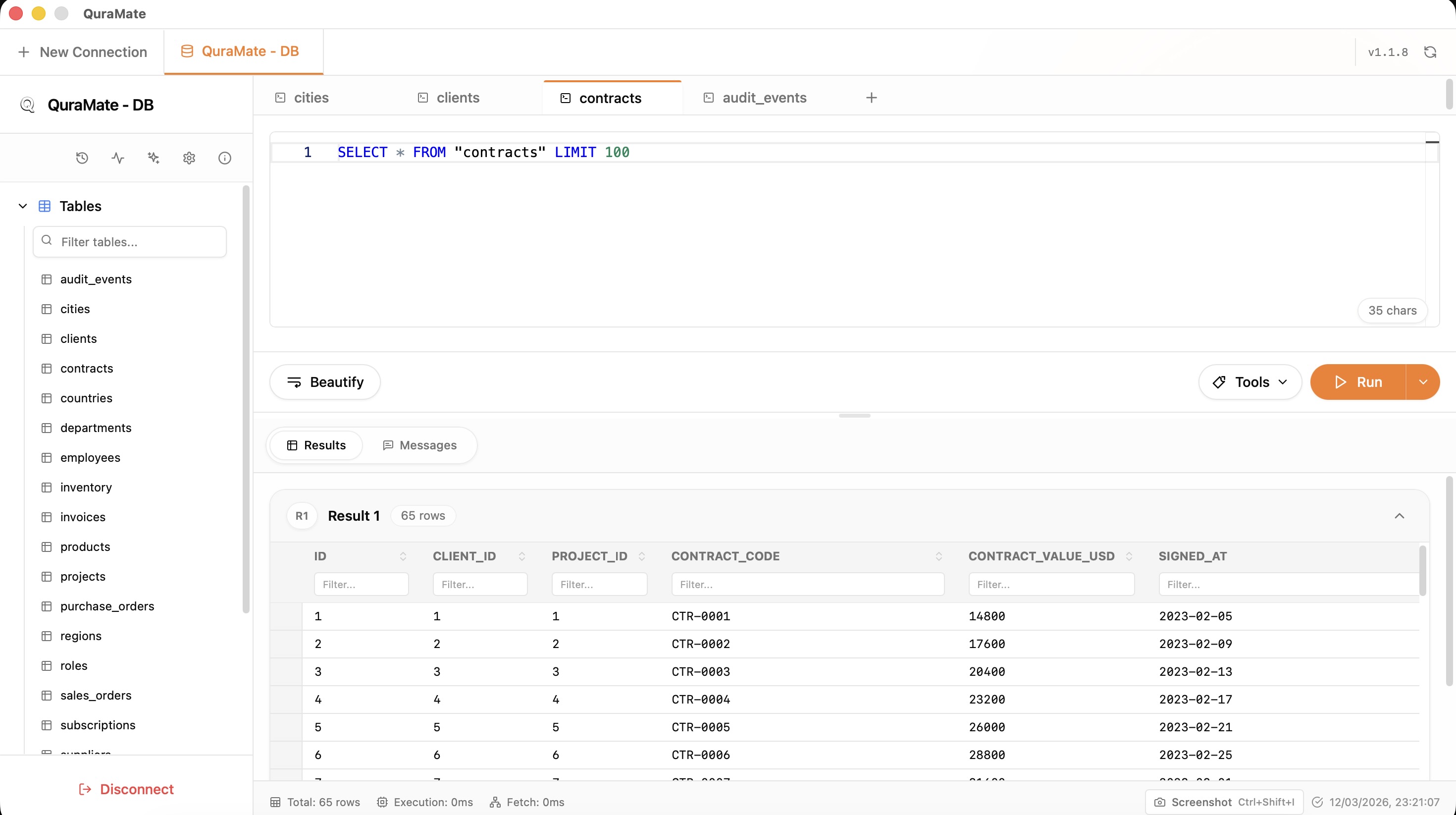
Validate Result Sets And Context
In QuraMate backend flow, query output is returned as resultSets and surfaced per query tab. Validate:
- active connection and database context
- columns/rows in the first result set
- execution behavior (no timeout/cancel/error)
- whether the query tab is marked executed before continuing
If anything looks off, stop and verify the connection profile instead of continuing deeper.
Escalate Deliberately
Once the first read succeeds, move into focused filtering, joins, or EXPLAIN work. Delay write operations until you have verified row targeting and row counts.
If you need repeatability, keep statements in smaller chunks so streamed execution and query history stay easy to inspect.